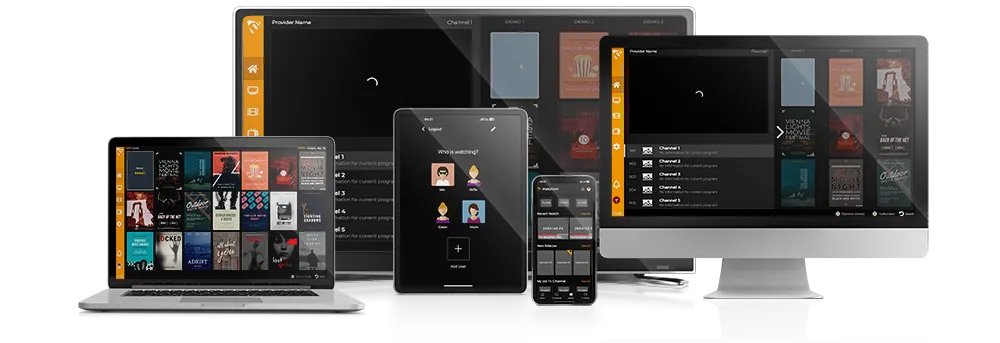
One Player Every Screen
The modern IPTV experience. Watch live TV, movies, series and catch-up — all synced across your devices.
What is MaxPlayer?
A next-generation IPTV player built for speed, simplicity and every screen.
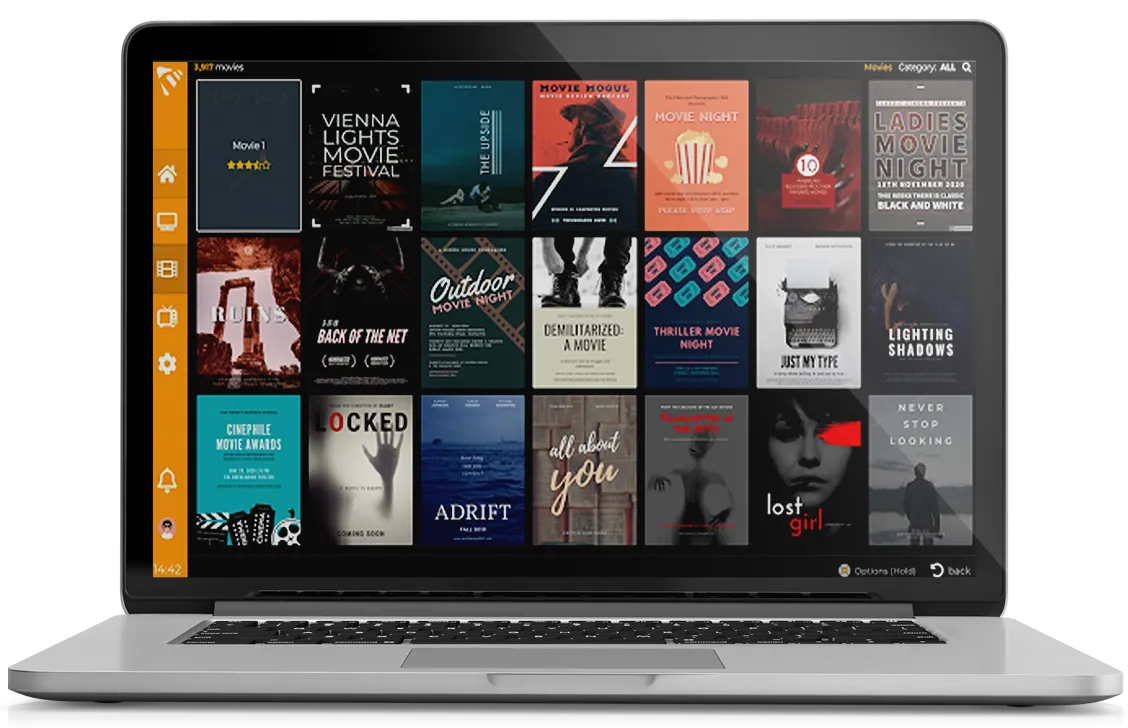
MaxPlayer brings together all your IPTV content in one powerful, beautifully designed player. One account gives you access across all platforms — Smart TV, mobile, desktop and set-top boxes.
Create sub-user profiles so every family member gets their own personalized experience. Your playlists, favorites and settings stay synchronized across all devices automatically.
Built with performance and security at its core, MaxPlayer delivers a fast, reliable streaming experience with enterprise-grade data protection.
IMPORTANT:
MaxPlayer does not provide IPTV subscriptions, channels or streams. Users must supply their own content. Screenshots shown are examples only and do not represent real video content.
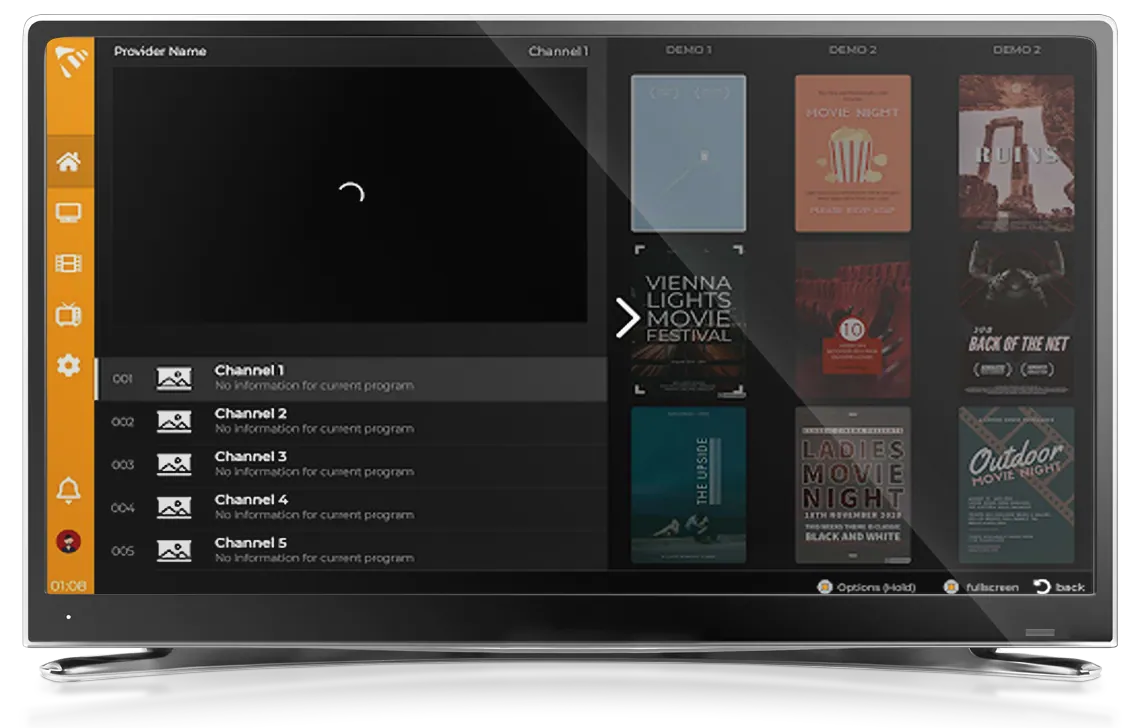
Available Everywhere
One player, every platform. MaxPlayer runs natively on all major devices and operating systems.








Powerful Features
- 1 account for all devices and platforms
- Subusers on account with personalization
- Synchronized content across devices through subusers
- All your data is protected and secure
- Email Notification
- Worldwide Optimization
- Search
- Multiple Languages
- and much more
MaxPlayer in Your Pocket
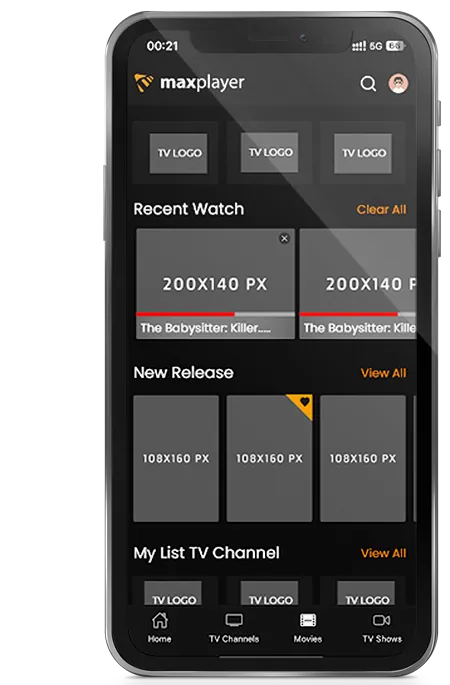
Take your IPTV experience everywhere. Available on Android and iOS with a 7-day free trial.


* 7 days free on every device, then a subscription
Simple, Transparent Pricing
All payments are processed securely via Stripe. You can cancel your subscription at any time. Your payment information is never stored on our servers.
Free Trial
for 7 days
- 5 Subusers
- M3U & Xtream support
- EPG / TV Guide
- Multi-Language
- Synced Content
- Email Notifications
- 1 Device
Premium
/month
- 5 Subusers
- M3U & Xtream support
- EPG / TV Guide
- Multi-Language
- Synced Content
- Email Notifications
- 5 Devices
Premium+
/month
- 5 Subusers
- M3U & Xtream support
- EPG / TV Guide
- Multi-Language
- Synced Content
- Email Notifications
- 7 Devices
Frequently Asked Questions
Got questions? We've got answers.
Does MaxPlayer contain any channels? Where can I get a playlist?
No, MaxPlayer does not include any channels or playlists. You must provide your own content (M3U or Xtream). We are not responsible for any content uploaded by users.
Having trouble adding a playlist?
We support M3U lists, Xtream legacy API and more. If your format isn't supported, contact us and our team will work on adding support. For M3U link issues, try downloading and uploading as a file instead.
How do I get started with MaxPlayer?
Register at my.maxplayer.tv. You'll get a 7-day free trial automatically. After that, continue with one of our affordable plans.
How many devices can I use?
The free trial supports 1 device. Premium supports 5 devices and Premium+ supports up to 7 devices — all with a single account.
Stuck on the loading screen?
Loading issues are usually caused by an incorrect or expired playlist, or connectivity problems with your provider. Try checking your playlist credentials, using a VPN, or switching from Xtream API to an M3U file.
How can I become a certified MaxPlayer provider?
Register as a provider through our website. After verification, you'll receive access to our provider tools. Custom white-label solutions are also available for approved providers.
Can't find our app in the store?
Use the direct links on our website. When searching, try 'MaxPlayer' as one word (case-sensitive).
Having playback issues?
First check if your platform supports the content format. On Android TV, you can switch players in the MaxPlayer Client Area at my.maxplayer.tv.
See MaxPlayer in Action
Watch a quick intro to the MaxPlayer experience.
Instructions & Latest News
Instructions, latest news and updates. Follow everything in one place and get informed.
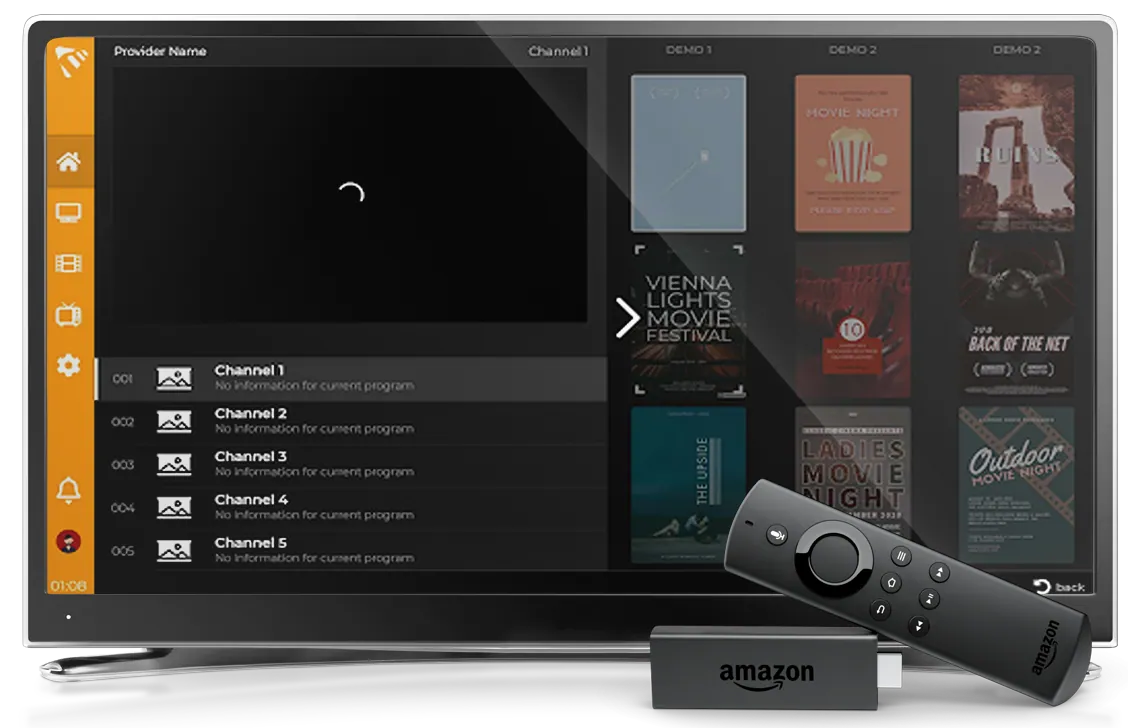
MaxPlayer on Amazon Vega Devices — What 1.2.13 Brings
MaxPlayer runs on Amazon’s new Vega system on the Fire TV Stick 4K Select. Version 1.2.13 adds phone sign-in with a QR code, autoplay for the next episode, channel search inside the player, and fixes the endless "Reconnecting" loop on several languages.
Read more →Why MaxPlayer Is the Best IPTV Player (2026)
MaxPlayer vs TiviMate, IPTV Smarters and OTT Navigator: 10 platforms from one account, real cross-device sync, sub-users and 20+ languages. Bring your own playlist.
Read more →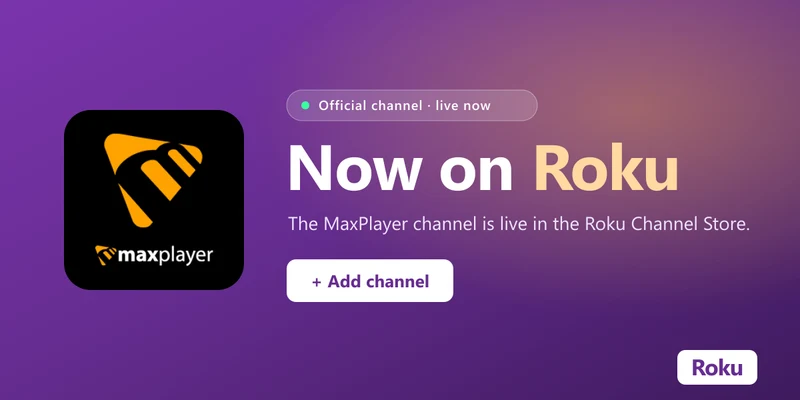
MaxPlayer Is Now Available on Roku
MaxPlayer is now an official channel on the Roku Channel Store — one of the very few IPTV players approved to run natively on Roku. Here is what it means and how to add it.
Read more →
How to Watch IPTV on Roku with MaxPlayer (2026 Guide)
Roku blocks most IPTV players — but MaxPlayer is available right in the Channel Store. Install it, add your M3U or Xtream Codes playlist, and start watching in minutes.
Read more →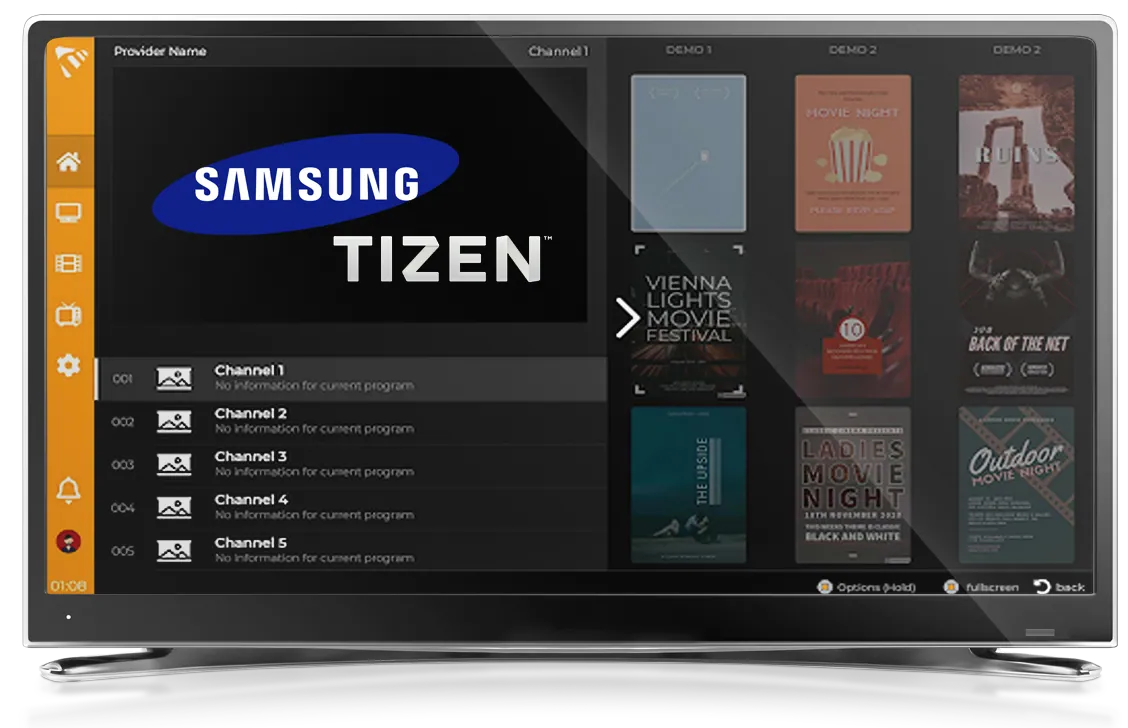
How to Install IPTV on a Samsung Smart TV (2026 Guide)
Install and set up IPTV on your Samsung Tizen TV with MaxPlayer — step-by-step install, how to add your M3U or Xtream Codes playlist, and quick fixes.
Read more →How to Set Up IPTV on an Amazon Firestick (2026 Guide)
Set up IPTV on your Amazon Fire TV Stick or Cube with MaxPlayer — step-by-step Appstore install, how to add your M3U or Xtream Codes playlist, and quick fixes.
Read more →