MaxPlayer on Amazon Vega Devices — What 1.2.13 Brings
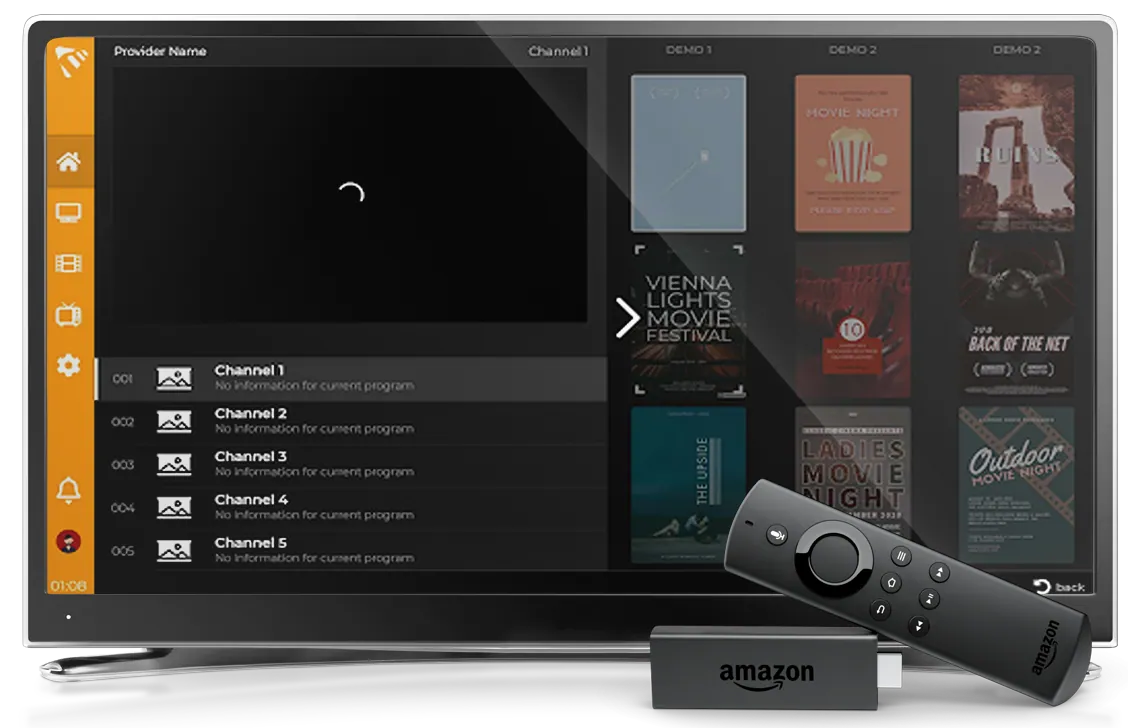
MaxPlayer runs on Amazon Vega — Amazon's new system, which arrived on the Fire TV Stick 4K Select. Version 1.2.13 brings a handful of things you notice every day, plus one important fix.
MaxPlayer is an IPTV player. We do not sell or supply channels, playlists or subscriptions. You add your own playlist (M3U or Xtream Codes) and MaxPlayer plays it.
Why Vega is different
Fire TV devices ran for years on Fire OS, which is Android underneath. Vega is not Android — it is Amazon's own system, and Android apps simply do not run on it. Every app has to be written again, with Amazon's own tools.
That is why new devices have noticeably fewer apps at first. MaxPlayer was written for Vega, not copied over from Android.
We optimised the app for Vega together with Amazon's team — going through how it behaves on the device itself, so it opens quickly and stays smooth on modest hardware.
If your Fire TV device is not a Stick 4K Select, it runs on the older Fire OS and nothing changes for you — you keep using the existing MaxPlayer app, which has its own version numbers.
Sign in with your phone
Typing a password with a remote is the worst part of any setup. Now you don't have to:
- On the sign-in screen press Get Code
- Scan the QR code with your phone
- Confirm on the phone
Username and password still work if you prefer them.
Series play on their own
Near the end of an episode a button for the next one appears, then a card counts down 10 seconds. If that bothers you, switch it off in Settings → Player Settings → Autoplay next episode.
The episode list in the player now shows how far you got, and movies and episodes show how much is left and when they finish.
Channel search without leaving the player
From the channel list you can search by name, number or the programme currently on — without interrupting what you are watching.
Adult (18+) channels show a padlock in the list and open with your account PIN, again without leaving the player. Zapping up or down onto a locked channel now asks for the PIN instead of skipping past it.
Small things you feel
- The audio and subtitle language is remembered for the next title
- Audio delay for soundbars and AV receivers (Settings → Player Settings)
- Radio channels show the logo, name and current programme instead of a black screen
- After a playback error, OK is enough to try again
- Smoother picture on 50 fps channels and in the mini player
Fixed: the endless "Reconnecting"
This one affected a lot of people and is worth explaining.
On devices whose language writes decimals with a comma — Italian, German, French, Spanish (Spain), Portuguese and others — "Reconnecting" spun forever. The picture kept playing, but the spinner never went away, Pause did nothing, and the stream kept restarting.
It is fixed in 1.2.13. Until you have that version, the workaround is *Fire TV Settings → Preferences → Language → English*, then restart the device. MaxPlayer's own language setting makes no difference here.
On top of that, when the device cannot play something, it now says so — the old message told you to check your account with your provider, which sent people down the wrong path.
How to get started
- On your Fire TV Stick 4K Select open the Appstore and search for MaxPlayer
- Install the app and open it
- Press Get Code and scan the QR with your phone — 7 days free
- Add your IPTV playlist (M3U link or Xtream Codes details)
You can see which version you have in Settings → version.
More about the platform on the Amazon Fire TV page.