How to Set Up IPTV on an Amazon Firestick (2026 Guide)
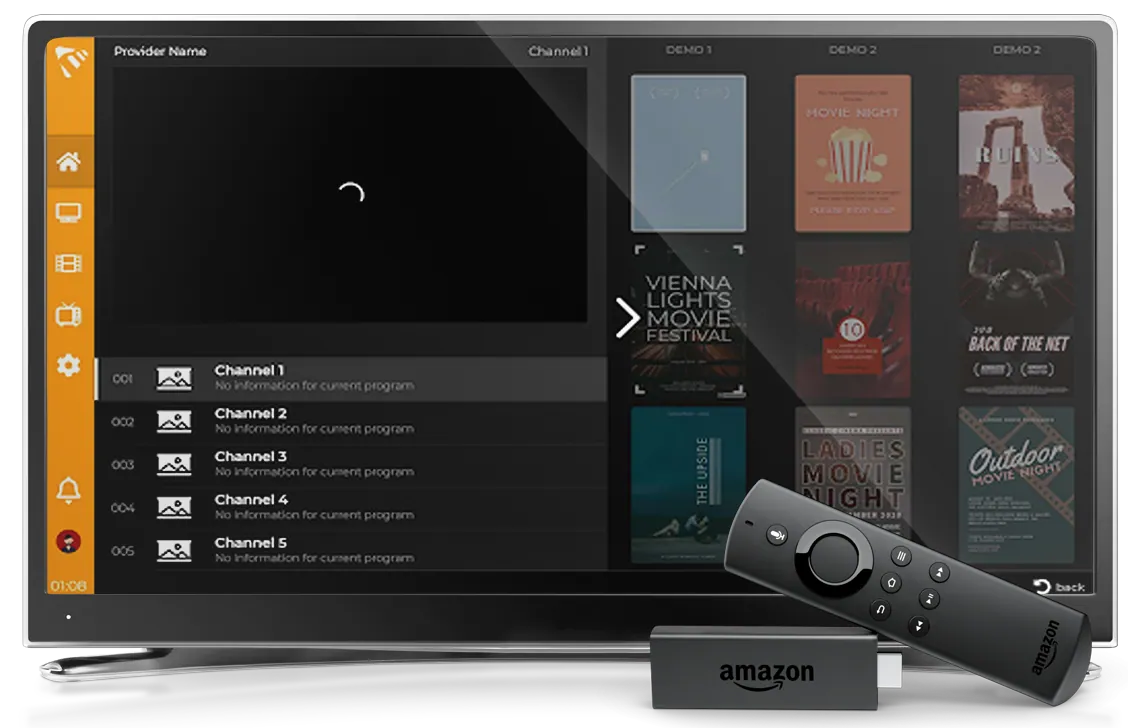
Want IPTV on your Amazon Firestick? You don't need a separate box — a good player app turns your Fire TV Stick into a full IPTV device. This guide walks you through installing MaxPlayer from the Amazon Appstore, adding your playlist, and fixing the most common issues.
MaxPlayer is an IPTV player — it plays your own content. It does not include or sell channels, streams or subscriptions. You bring your IPTV playlist (M3U or Xtream Codes) and MaxPlayer plays it.
What you'll need
- An Amazon Fire TV Stick (2nd gen or newer) or Fire TV Cube
- An active internet connection (Wi-Fi or Ethernet adapter)
- Your IPTV playlist — an M3U URL or Xtream Codes login from your provider
- A MaxPlayer subscription (a 7-day free trial is included)
Step 1 — Install MaxPlayer from the Amazon Appstore
- From the Fire TV home screen, open the search (magnifying glass) at the top left.
- Type MaxPlayer and select it from the results.
- Choose Get / Download to install the app.
- When it finishes, select Open.
You can also say "MaxPlayer" with the Alexa voice remote to find it faster.
Step 2 — Register and start your free trial
The first time you open MaxPlayer you'll see a device code. Register your account (a 7-day free trial is included), link the device, and you're ready to add your playlist.
Step 3 — Add your IPTV playlist
MaxPlayer supports the two most common formats:
- M3U / M3U8 URL — paste the playlist link from your provider.
- Xtream Codes API — enter the server URL, username and password.
You can add up to 5 lists to one account and switch between them in the app settings. Once your list loads, your channels, VOD, series and EPG (TV guide) appear automatically.
What you get on Fire TV
- Optimized for Fire TV Stick and Fire TV Cube
- Full EPG / TV Guide
- VOD and Series streaming
- Catch-up TV / Timeshift
- Voice control with Alexa
- Parental controls
Troubleshooting
Playlist won't load? Double-check the M3U URL or Xtream credentials for typos, and make sure the list is still active with your provider.
Buffering? The Firestick shares Wi-Fi bandwidth — move it closer to the router or use an Ethernet adapter for 4K, and try switching your list from M3U to the Xtream Codes API.
App runs slow? Close background apps and restart the Firestick (Settings › My Fire TV › Restart) to free up memory.
Ready to watch?
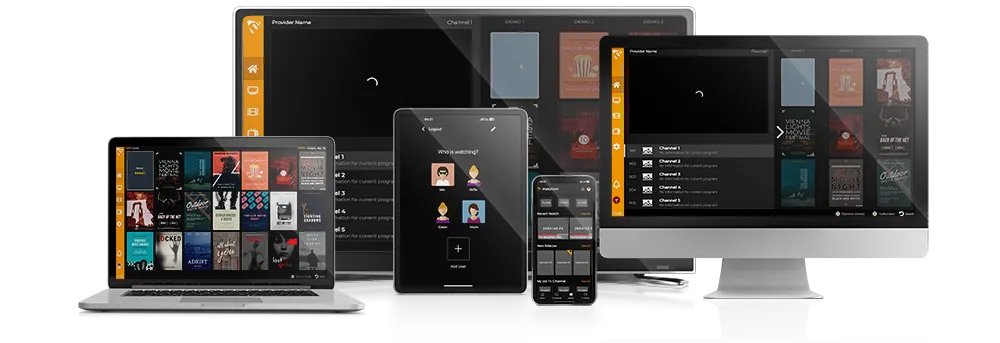
Install MaxPlayer from the Amazon Appstore and start your 7-day free trial. One account works across Smart TV, mobile, desktop and set-top boxes — see the Amazon Fire TV page for full details.