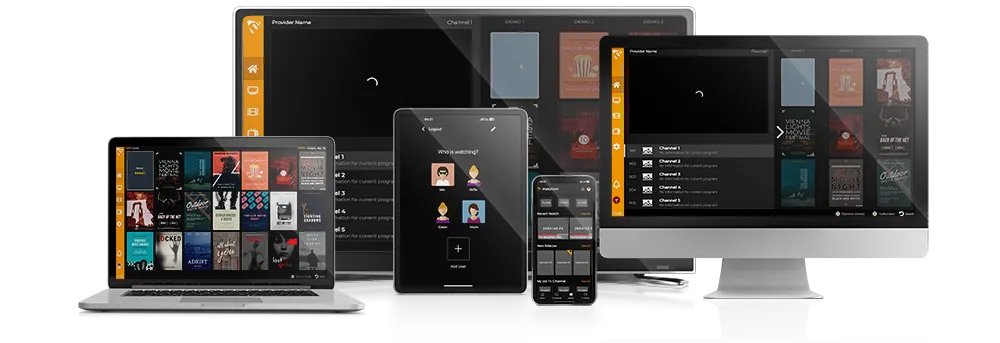
How to Watch IPTV on Roku with MaxPlayer (2026 Guide)

Roku is one of the trickiest platforms for IPTV: it's a closed system, and popular players like TiviMate and IPTV Smarters aren't available on it. The good news — MaxPlayer is an official Roku channel, so you can install it directly, with no sideloading. This guide shows you how to set it up and add your playlist in a few minutes.
MaxPlayer is an IPTV player — it plays your own content. It does not include or sell channels, streams or subscriptions. You bring your IPTV playlist (M3U or Xtream Codes) and MaxPlayer plays it.
What you'll need
- Any Roku device or Roku TV connected to the internet
- Your IPTV playlist — an M3U / M3U8 URL or Xtream Codes login from your provider
- A MaxPlayer account (a 7-day free trial is included)
Step 1 — Add MaxPlayer from the Roku Channel Store
Press Home on your Roku remote, open Streaming Channels, then Channel Store. Search for MaxPlayer and select Add Channel. It installs in a few seconds. You can also add it from the web listing or the Roku mobile app.
Step 2 — Register and start your free trial
Open MaxPlayer. You'll see a device code. Register your account at my.maxplayer.tv (a 7-day free trial is included) and link the device.
Step 3 — Add your IPTV playlist
MaxPlayer supports both common formats:
- M3U / M3U8 URL — paste the playlist link from your provider.
- Xtream Codes API — enter the server URL, username and password.
Add up to 5 lists to one account. Once a list loads, your channels, VOD, series and EPG appear automatically.
What you get on Roku
- Full EPG / TV Guide
- VOD and Series streaming
- Catch-up TV / Timeshift
- Multi-language interface
- Parental controls
Troubleshooting
Channel won't load a playlist? Recheck the M3U URL or Xtream credentials and confirm the list is active with your provider.
Buffering? Use a wired connection or a stronger Wi-Fi signal; Roku sticks are sensitive to weak signal.
Can't find MaxPlayer in the store? Make sure your Roku software is up to date (Settings, then System, then Software update).