Why MaxPlayer Is the Best IPTV Player (2026)
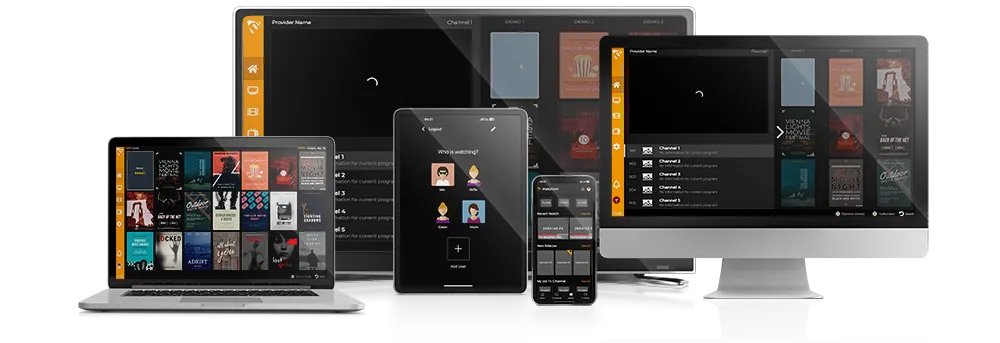
Looking for an IPTV player that works on every screen you own, sets up in minutes and doesn't cost a fortune? We compared MaxPlayer with the most popular alternatives — TiviMate, IPTV Smarters and OTT Navigator — and here's where MaxPlayer genuinely comes out ahead.
MaxPlayer is an IPTV player — it plays your own content. It does not include or sell channels, streams or subscriptions. You bring your playlist (M3U or Xtream Codes) and MaxPlayer plays it. The same applies to every player in this comparison.
One account, every screen — 10 platforms
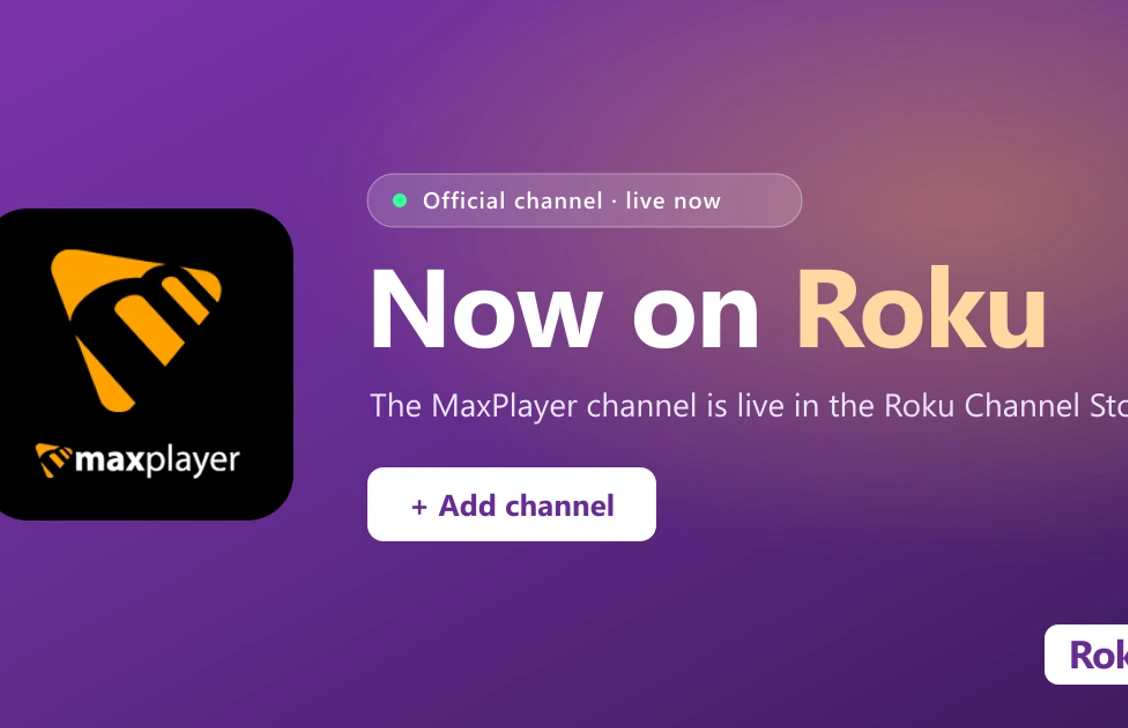
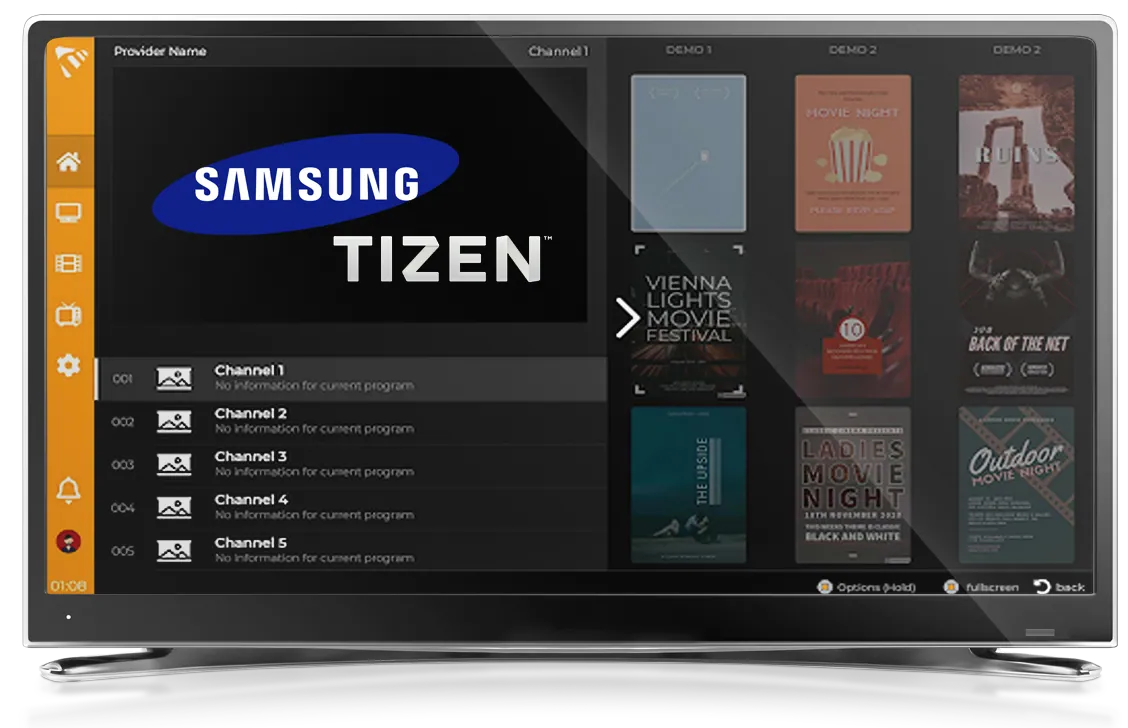
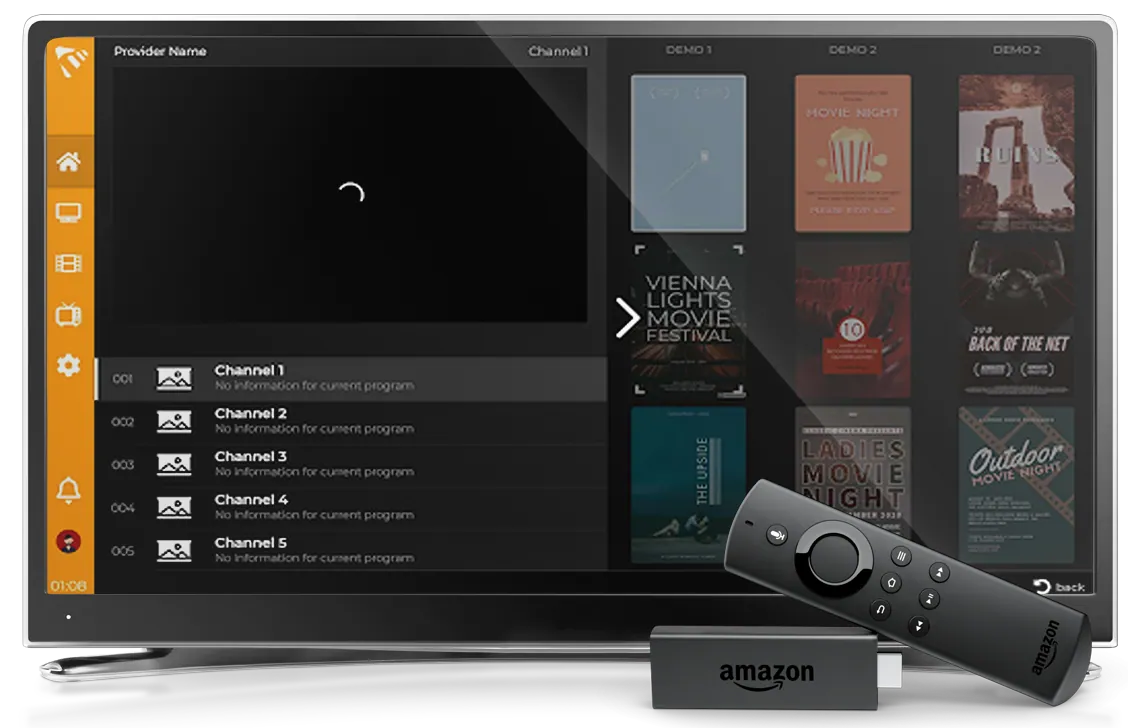
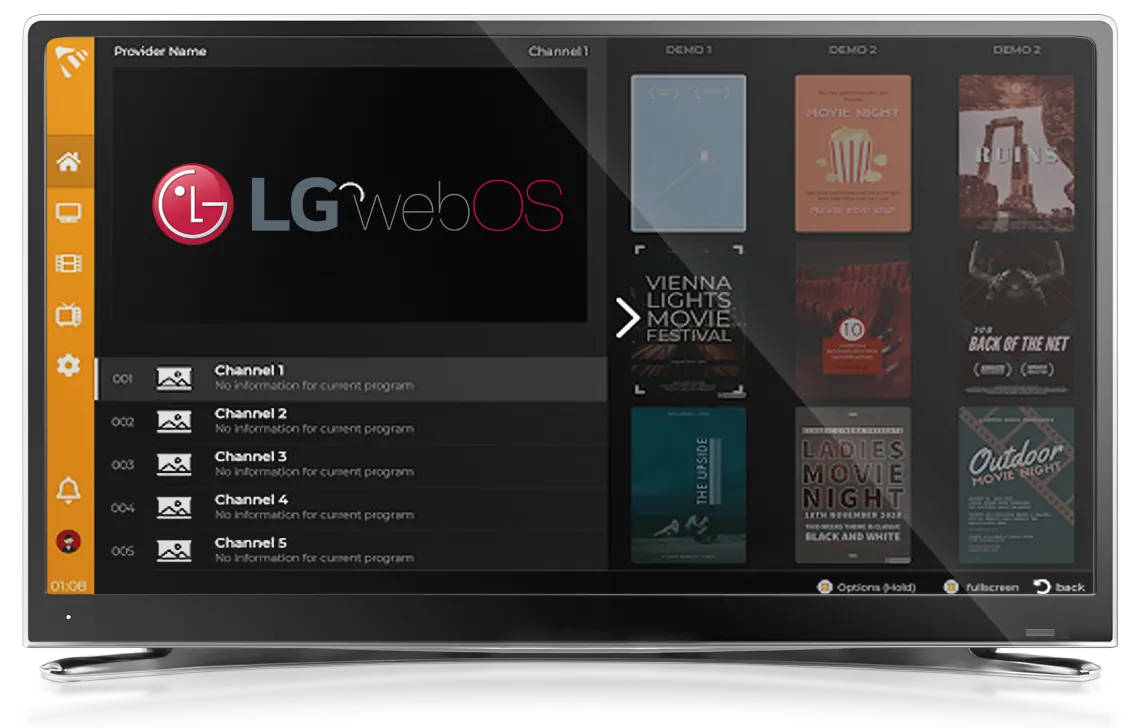
This is the biggest difference. Most players cover only Android and Fire TV. MaxPlayer runs natively on 10 platforms from the same account: Apple TV, iPhone and iPad, Android TV, Android phone and tablet, Samsung (Tizen), LG (webOS), Amazon Fire TV, Windows, MAG and — most recently — Roku.
That matters because some of these are closed platforms. On Roku, Samsung, LG and Apple TV, generic players like TiviMate and IPTV Smarters usually aren't even allowed. MaxPlayer is one of the few with official apps there — no sideloading, no developer tricks.
Everything syncs — pick up where you left off
Add your playlist once and your channels, favorites and settings follow you to every device. Watch on your phone on the bus, continue on the TV at home. With TiviMate and similar apps you set up each device from scratch — there is no synced account.
The whole family, one account
Create up to 5 sub-users — each with their own profile, favorites and history. With parental controls (a PIN on categories) kids can't reach what they shouldn't. Most competitors have no profiles at all.
20+ languages and a modern interface
The interface is available in 20+ languages — English, German, Turkish, Arabic, Serbian and more — with a clean design, fast navigation, a full EPG / TV guide, VOD and series, catch-up and custom themes. The competition is mostly English-first.
Fair, simple pricing
€1.50–2.50 per month, paid securely via Stripe, cancel anytime, no hidden fees — plus a 7-day free trial. No yearly premium tiers and no ads inside the player.
MaxPlayer vs the competition at a glance
| Feature | MaxPlayer | TiviMate | IPTV Smarters | OTT Navigator |
|---|---|---|---|---|
| Platforms (one account) | 10 | Android / Fire | Mobile + some TV | Android / Fire |
| Apple TV / iOS native | Yes | No | Partial | No |
| Samsung / LG / Roku | Yes | No | No | No |
| Account sync | Yes | Limited | Limited | No |
| Sub-users (family) | 5 | No | No | No |
| Interface languages | 20+ | A few | A few | A few |
| Price | €1.50–2.50/mo | Yearly premium | Free / paid | Paid |
Official apps, no workarounds
Because MaxPlayer's apps are officially published in the stores — App Store, Google Play, Samsung, LG, Amazon, Microsoft and the Roku Channel Store — installing is one click. No unknown sources, no risk. It is also why you'll find MaxPlayer where the competition simply isn't.
How to get started
- Register at my.maxplayer.tv (7 days free)
- Install MaxPlayer on your device — see our platform guides
- Add your M3U or Xtream Codes playlist and start watching
Frequently asked questions
Does MaxPlayer include channels? No. MaxPlayer is a player — you bring your own playlist (M3U or Xtream Codes). We don't sell or include channels.
Can I use it on several devices at once? Yes — one account covers up to 7 devices depending on your plan, and everything stays in sync.
Does it work on Roku and Samsung / LG TVs? Yes, officially. Unlike most players, MaxPlayer has native apps on those platforms.
How much does it cost? From €1.50 per month, with a 7-day free trial and cancel anytime.