How to Choose an IPTV Player in 2026 (Buyer Guide)
Not all IPTV players are equal. The right one plays your list smoothly on every screen, organizes your content well, and keeps your data safe. Here is what to look for when choosing an IPTV player in 2026.
Remember: a player plays *your* content. You bring an IPTV playlist (M3U or Xtream Codes) from your provider; the player does not include channels.
1. Works on every screen
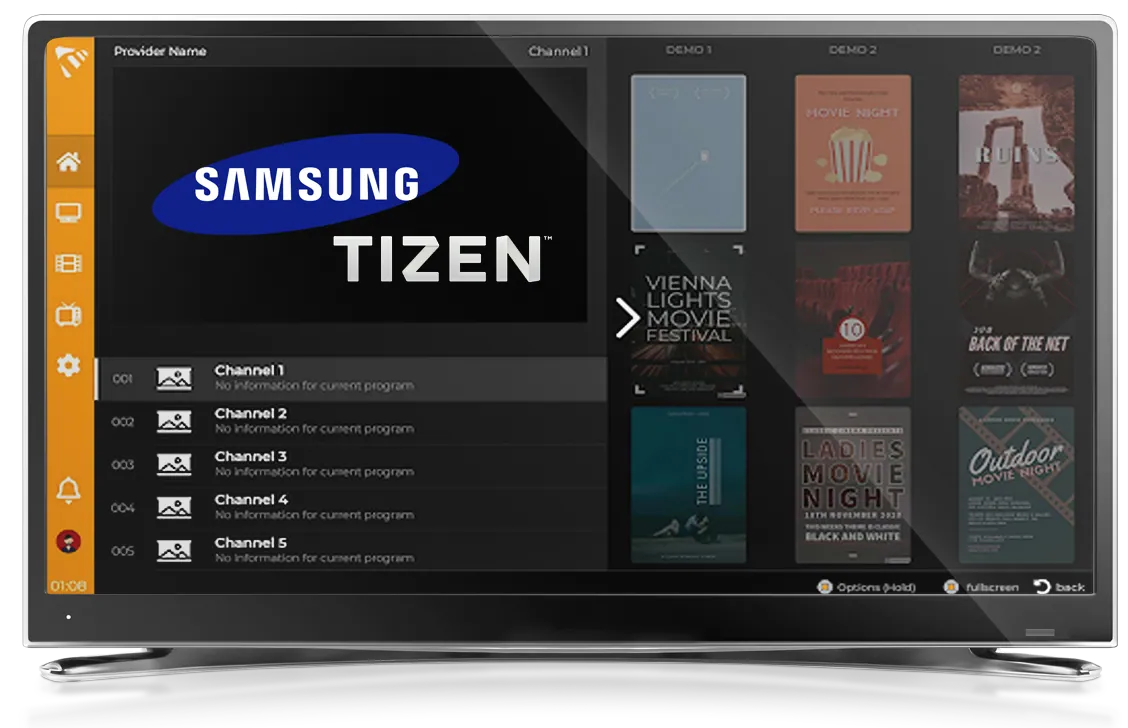
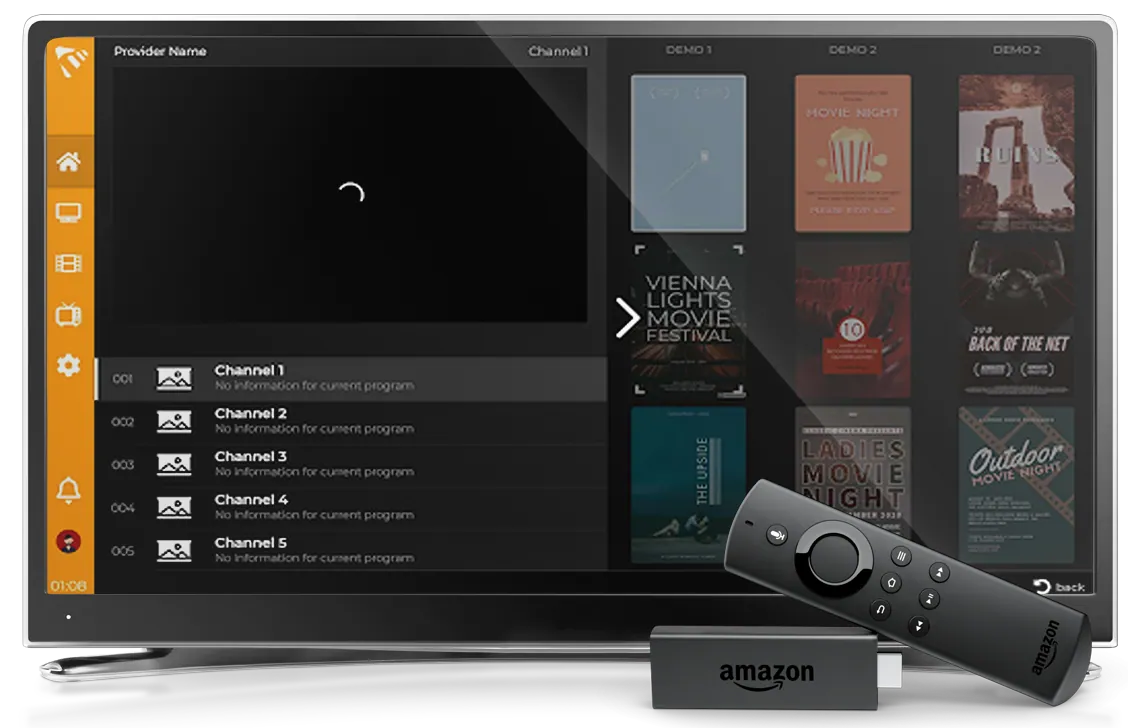
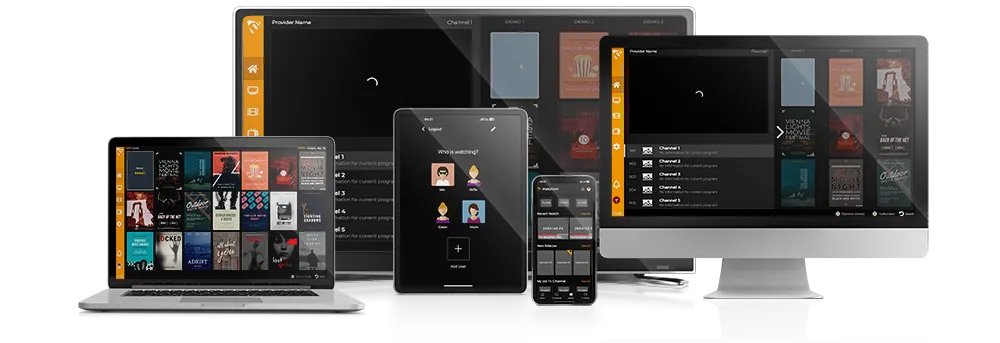
A good player runs natively on the devices you actually use — Smart TV (Samsung, LG), mobile (iOS, Android), desktop (Windows) and set-top boxes (Fire TV, Android TV, Apple TV, MAG). One account that follows you across all of them is a big plus.
2. Supports both M3U and Xtream Codes
Providers deliver content in two main formats. A capable player supports both M3U and the Xtream Codes API, so you are never locked out by the format your provider uses.
3. Full EPG, VOD and series
Look for a proper TV guide (EPG), VOD and series support with categories and metadata — not just a flat channel list. Catch-up TV and timeshift are a bonus.
4. Multiple devices and profiles
Being able to use one account on several devices, and to create sub-user profiles for family members, makes a player far more practical for a household.
5. Security and reliability
Your list data and credentials should stay protected. A well-built player shields your playlists from leaks and delivers stable, buffer-free playback.
6. Simple, clean interface
You should be able to add a list in under a minute and find your channels without a manual. A remote-friendly, multi-language interface matters on the TV.
A quick checklist
- ✅ Native apps for your devices
- ✅ M3U and Xtream Codes support
- ✅ EPG, VOD and series
- ✅ Multiple devices and sub-users
- ✅ Data protection and stable playback
- ✅ Clean, multi-language interface
Why MaxPlayer fits
MaxPlayer checks every box above: native apps across Smart TV, mobile, desktop and set-top boxes, M3U and Xtream Codes support, full EPG/VOD/series, up to 5 devices and 5 sub-users per account, enterprise-grade data protection and a clean interface in 21 languages.
Ready to try it?
Start your 7-day free trial, add your M3U or Xtream Codes list, and test MaxPlayer on any device. See our setup guides to get going in minutes.