IPTV Buffering? 8 Fixes That Actually Work
Buffering is the most common IPTV complaint — and it's almost always fixable. The cause is usually your connection, your provider, or a device setting, not the player. Work through these fixes in order and playback should smooth out.
MaxPlayer is an IPTV player. It plays the stream your provider sends — so if a single channel buffers while others are fine, the issue is usually the source, not the app.
1. Test your internet speed
Stable IPTV needs roughly 10 Mbps for HD and 25 Mbps+ for 4K. Run a speed test on the same network as your TV. If it's low or unstable, that's your first suspect.
2. Use a wired connection for 4K
Wi-Fi is convenient but drops packets. For 4K or set-top boxes, a wired Ethernet connection is far more stable than Wi-Fi.
3. Switch from M3U to Xtream Codes
If your provider offers both, the Xtream Codes API is usually more stable than a plain M3U link. Add it in the playlist settings and set it as your active list.
4. Move your router closer (or add a mesh node)
Thick walls and distance kill Wi-Fi. Move the router closer to the TV, or add a mesh point in the same room.
5. Restart your device and router
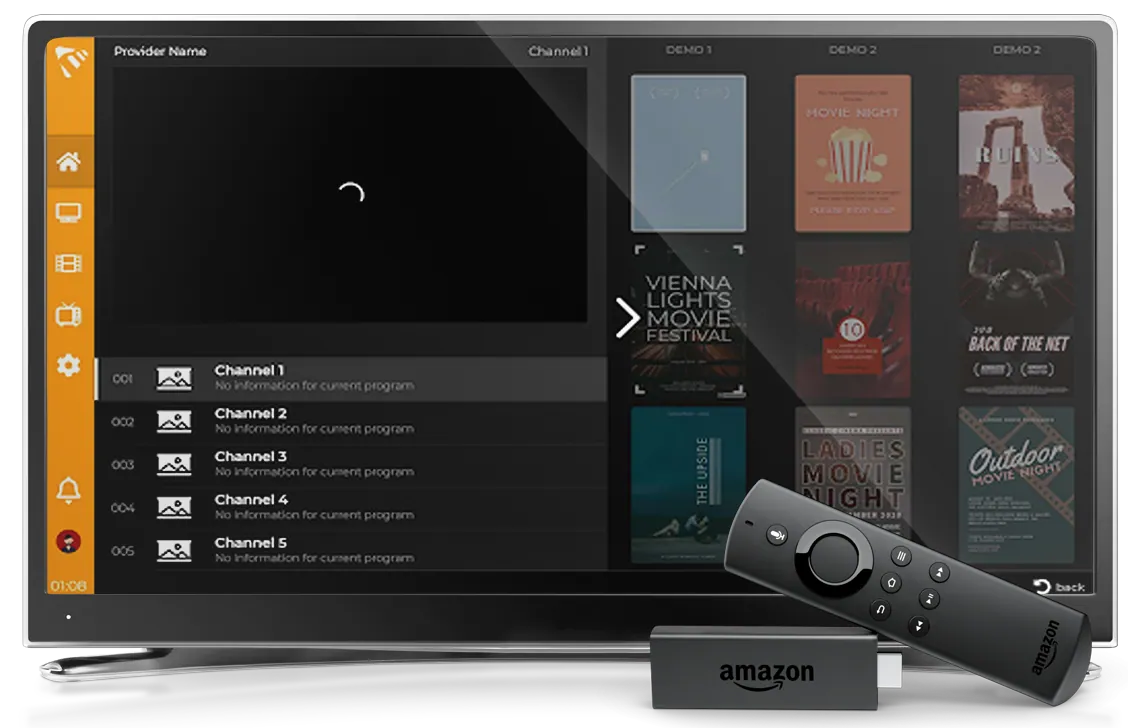
Set-top boxes and Firesticks fill up their memory over time. Restart the device, and power-cycle your router, before blaming the stream.
6. Check if only some channels buffer
If most channels play fine but a few buffer, the problem is your provider's server for those channels — not your connection or the app. Report it to your provider.
7. Try a VPN (or turn one off)
Some ISPs throttle IPTV traffic — a VPN can help. But a slow or overloaded VPN can also cause buffering, so test both with and without one.
8. Reduce the load on your network
Downloads, cloud backups and other 4K streams on the same network compete for bandwidth. Pause them while you watch.
Still buffering?
If you've worked through all eight and one specific list still struggles, it's almost certainly the provider. MaxPlayer plays whatever the source sends — a healthier list or the Xtream Codes API usually fixes it. Start your 7-day free trial and test your setup on any device.