MaxPlayer Mobile Is Ready for iPhone and Android
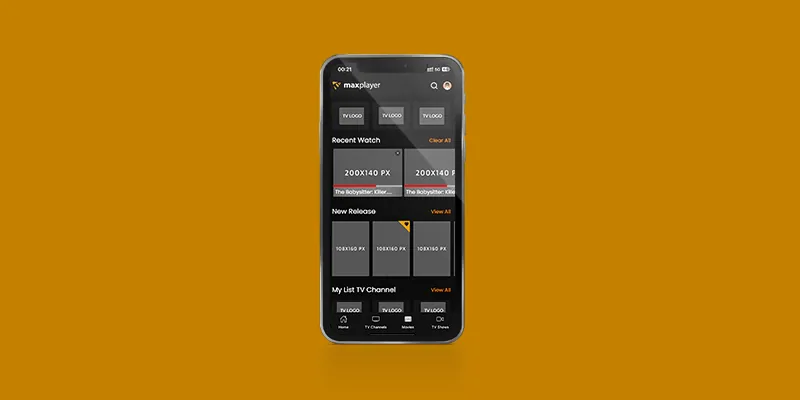
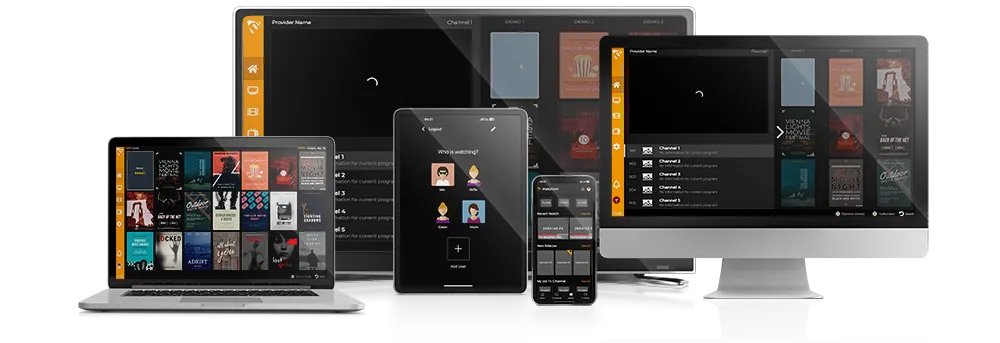
MaxPlayer has officially released its first mobile version for iOS and Android, giving you a seamless way to access your IPTV content on the go.
Where to download
- iOS (iPhone): search for MaxPlayer on the App Store, or open the App Store listing.
- Android: search for MaxPlayer on Google Play, or open the Google Play listing.
What you get
- Cross-platform: optimized builds for both iPhone and Android, with smooth high-definition playback.
- Easy interface: a simple, remote-free layout that is easy to navigate on a phone.
- Playlist management: import your own M3U or M3U8 playlist and access your channels anytime.
- Advanced playback: support for multiple streaming formats and high-resolution streams.
Getting started
- Download MaxPlayer from the App Store or Google Play and install it.
- Open the app, go to settings and import your IPTV playlist (M3U or M3U8).
- Start watching — playback quality adapts to your connection for minimal buffering.
MaxPlayer is a player. You bring your own provider or playlist; the app does not include channels.
New here? See our iPhone & iPad setup guide.